Say the job. Get the invoice.
You've just finished fitting a boiler. You're sat in the van. 10 seconds later the invoice is done — not tonight at the kitchen table.
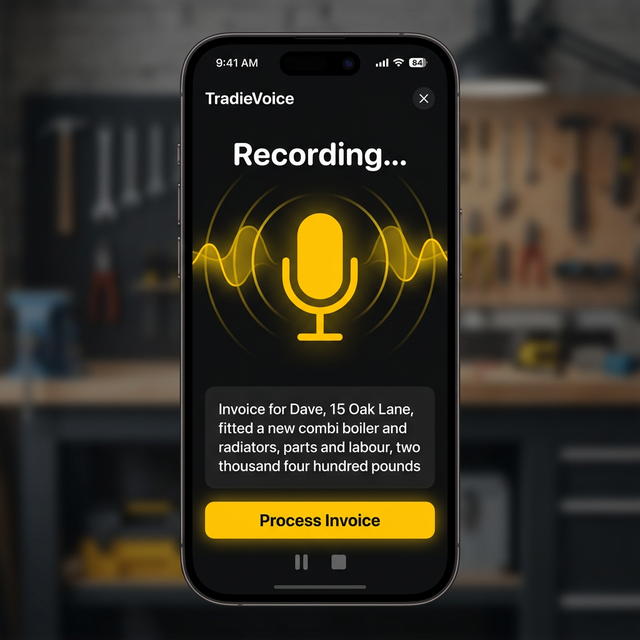
Stop doing your invoices at 10pm on a Sunday.
10 seconds
That's how long it takes to create a full invoice. Tap, speak, done. No templates, no typing.
AI does the thinking
Sorted uses AI to extract the customer name, address, job description, and price from your speech. Just talk normally.
Professional PDF
Your company logo, address, bank details, VAT — all on a formatted PDF ready to send. Looks like you spent an hour on it.
How it works
Tap the mic
Open Sorted, hit the + button, and tap the microphone.
Describe the job
"Invoice for Dave, 15 Oak Lane, fitted a boiler, two thousand four hundred pounds."
Review and send
Check the details, hit share, and send via WhatsApp or email. Done before you start the engine.
Your first 5 invoices are free.
No card, no commitment. Just download and start talking.
Download Sorted